Go at your own pace
Keep a photo, a mood and a note whenever it feels right.
 NicoLog
A little smile, a lasting memory.
Small smiles. Time with your favorite people. NicoLog helps you keep the moments that make your days yours.

 92 / 88Illustrative sample
 Find your little joys.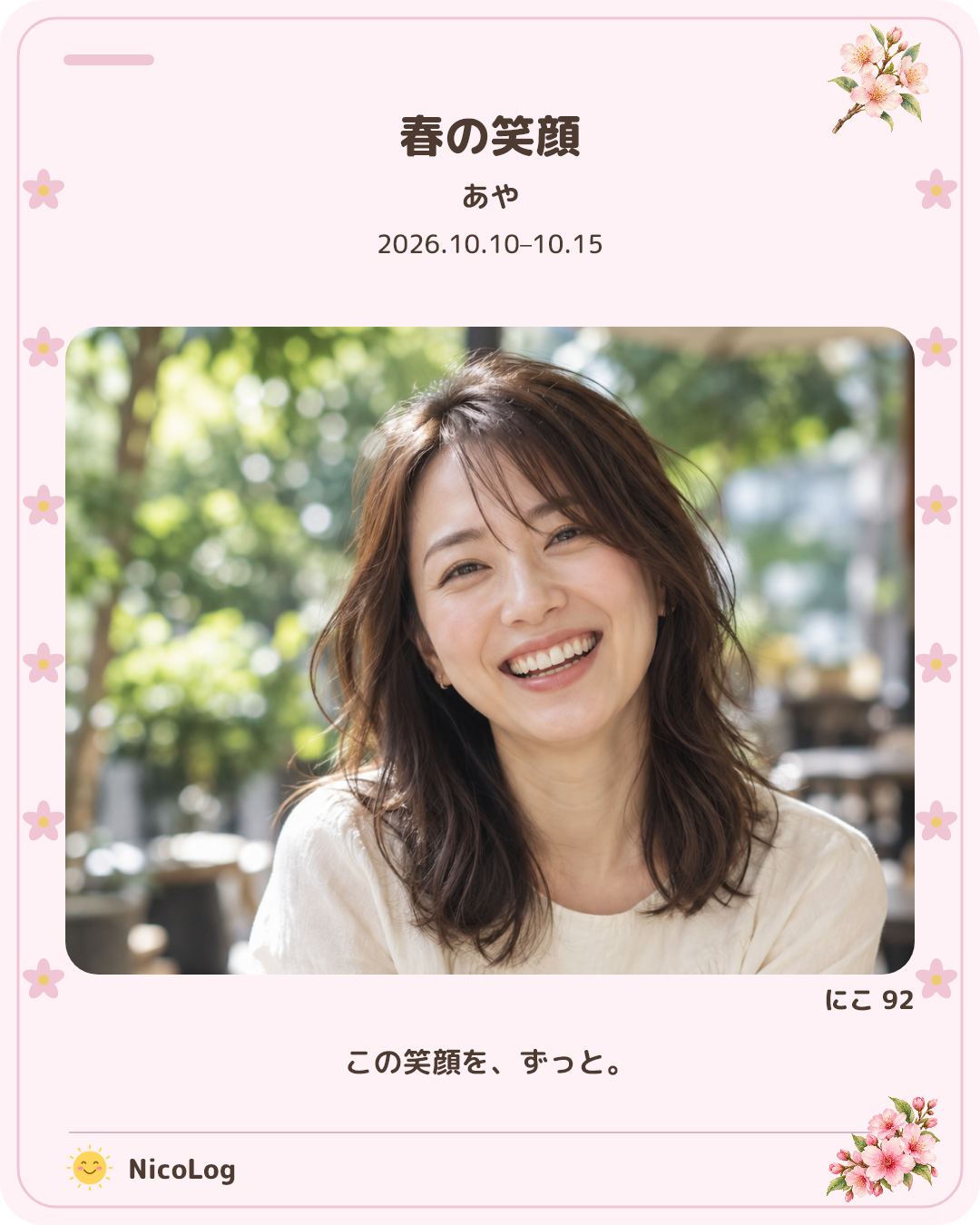
Screens, photos and smile scores are illustrative samples.
Keep a photo, a mood and a note whenever it feels right.
Organize memories of yourself, family and friends by person or group.
You choose which photos and details to share.
LITTLE MOMENTS, BIG SMILES
On bright days, and on quieter days, too. A way to look back on your days, without comparing yourself to anyone.

Keep a photo, a smile score, your mood, and a note. Notice the little changes at your own pace.

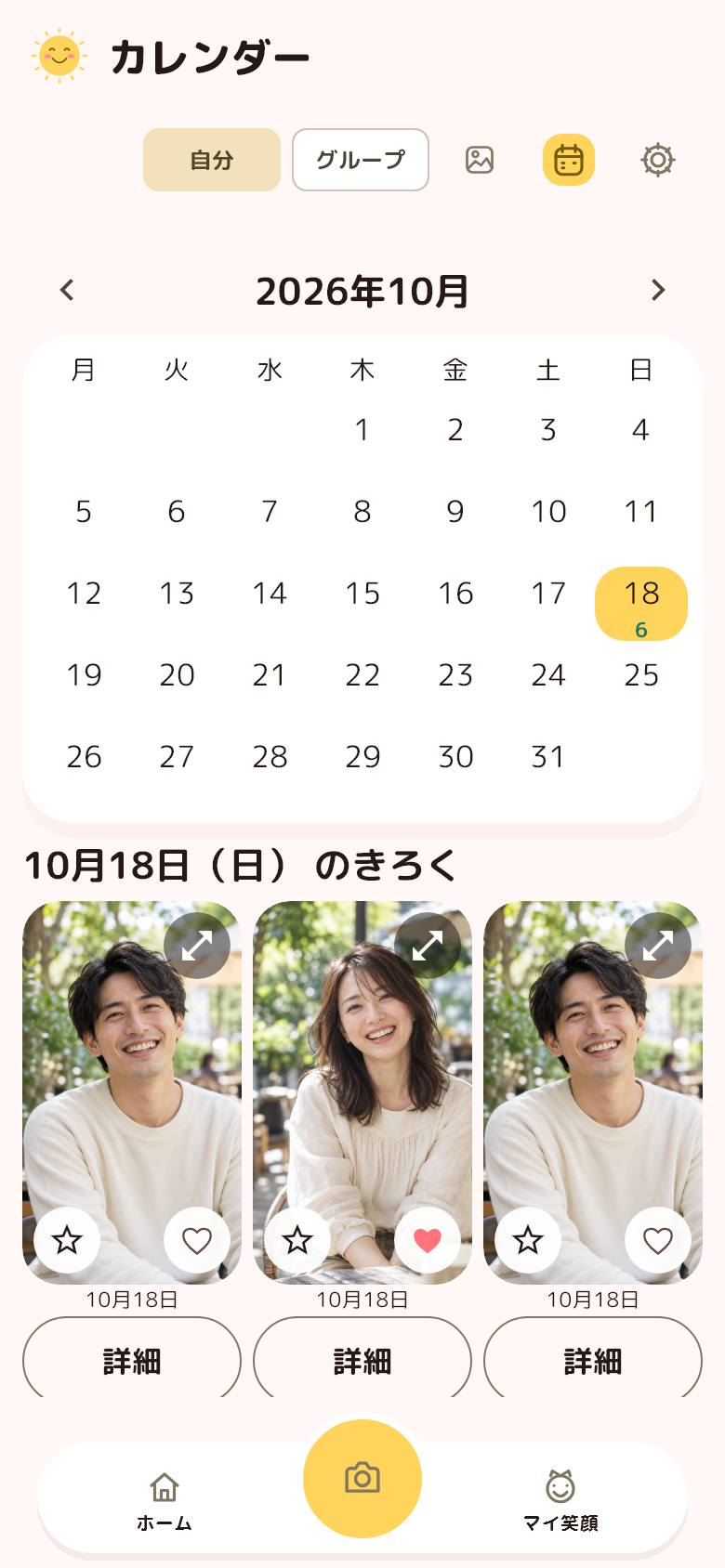
Find a moment by its date. Your calendar brings your photos and records together.

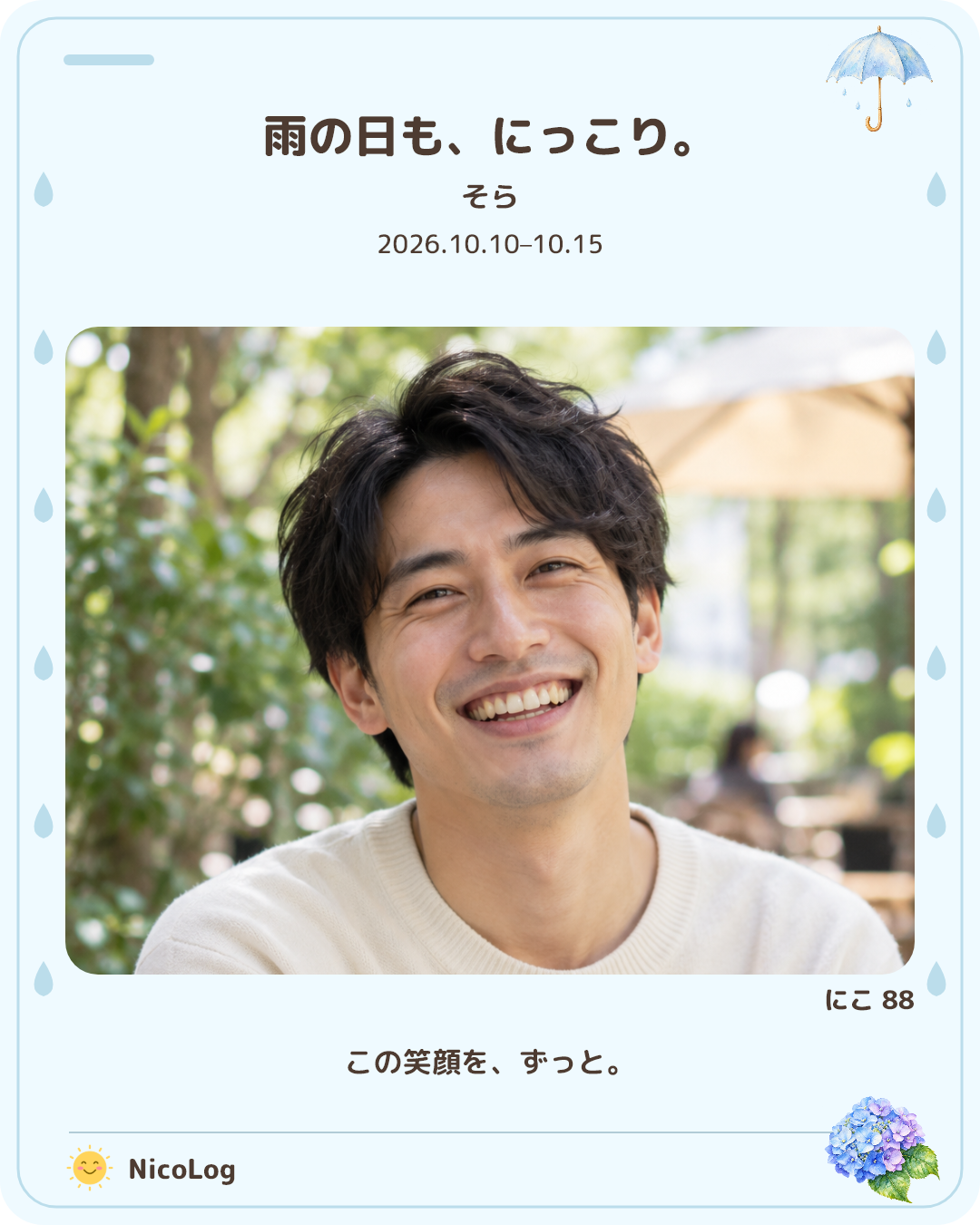
Choose from 18 sharing-card designs. Pick your photos and details, then save or share your card.
Smile scores are a guide to recording expressions, not a medical diagnosis.
FROM A LITTLE SMILE TO A LASTING MEMORY
From the camera to your photo list, best shots and smile scores. A look at the screens you’ll use every day.
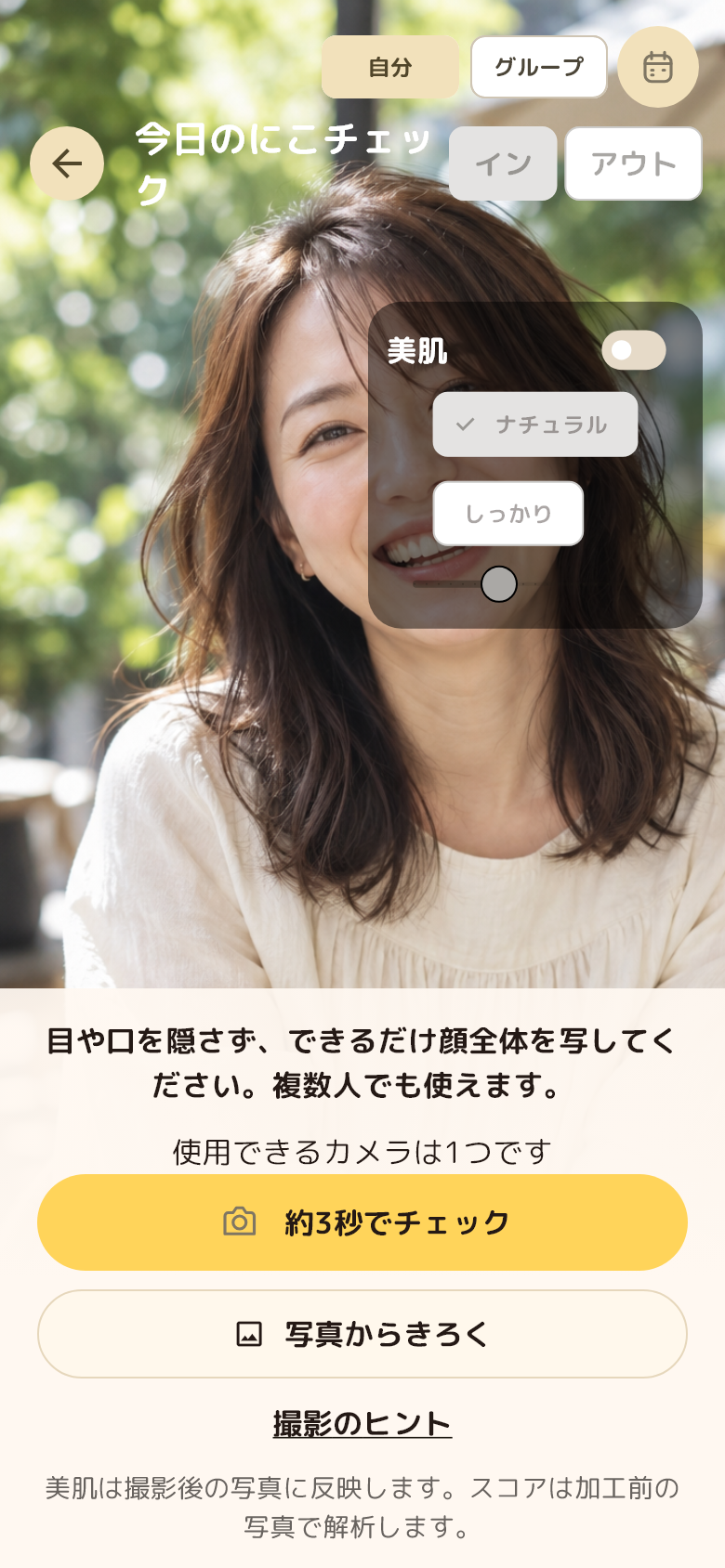
Take a photo with the in-app camera and its guides to record a smile from your day.
See a photo together with its smile score and record. Keep a guide to looking back at everyday expressions.
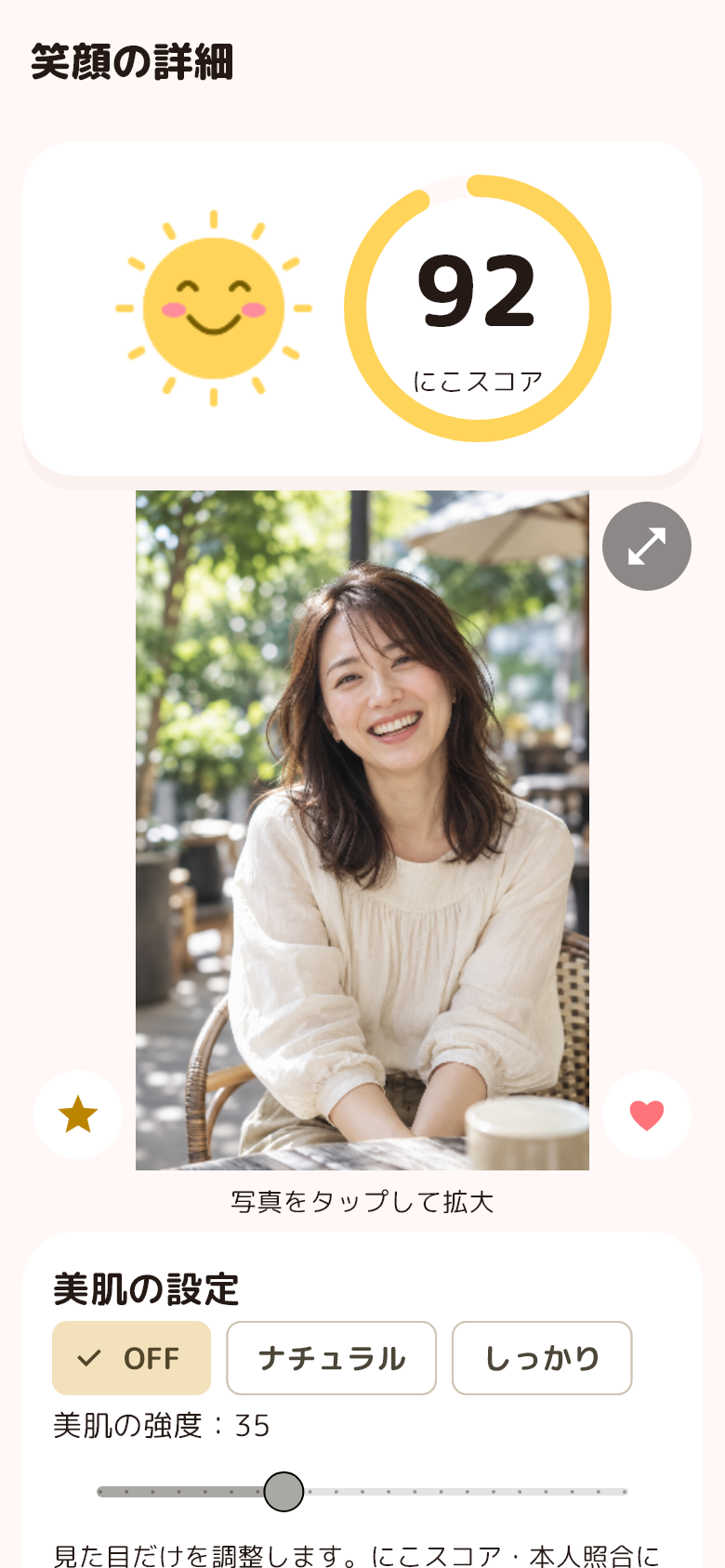
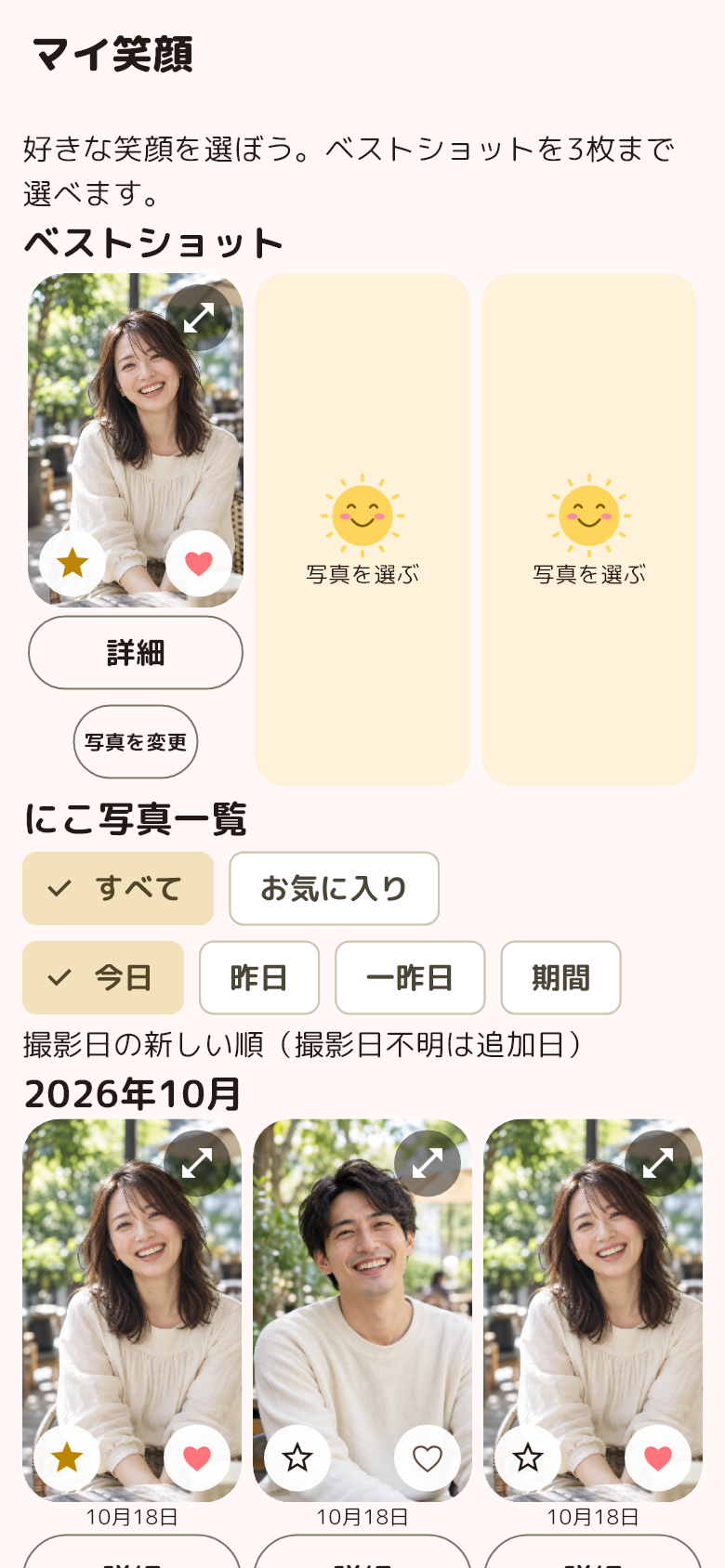
Register a photo that feels like you as a best shot. Review and manage the photos used for identity suggestions.
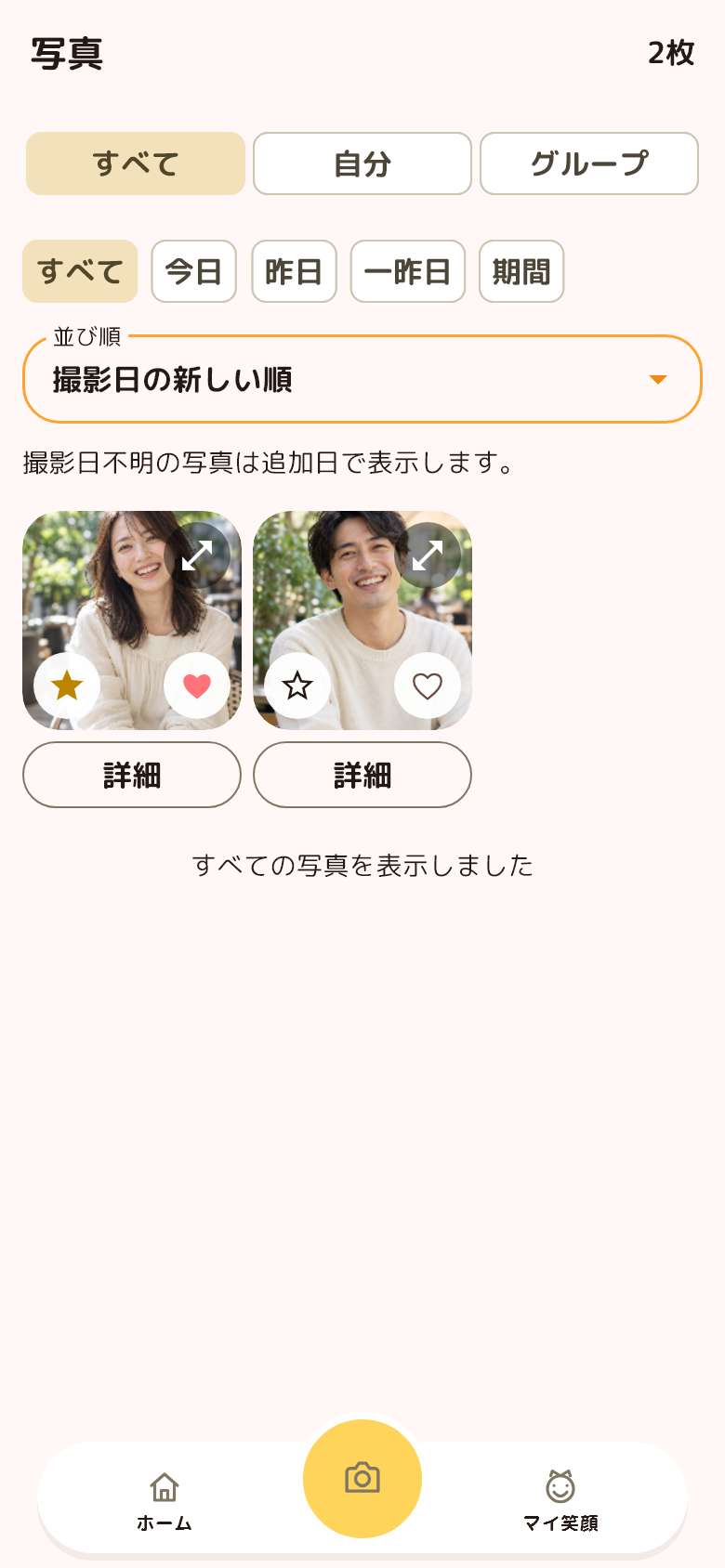
Find photos by date or favorites and browse your memories. Open a photo to see its details.
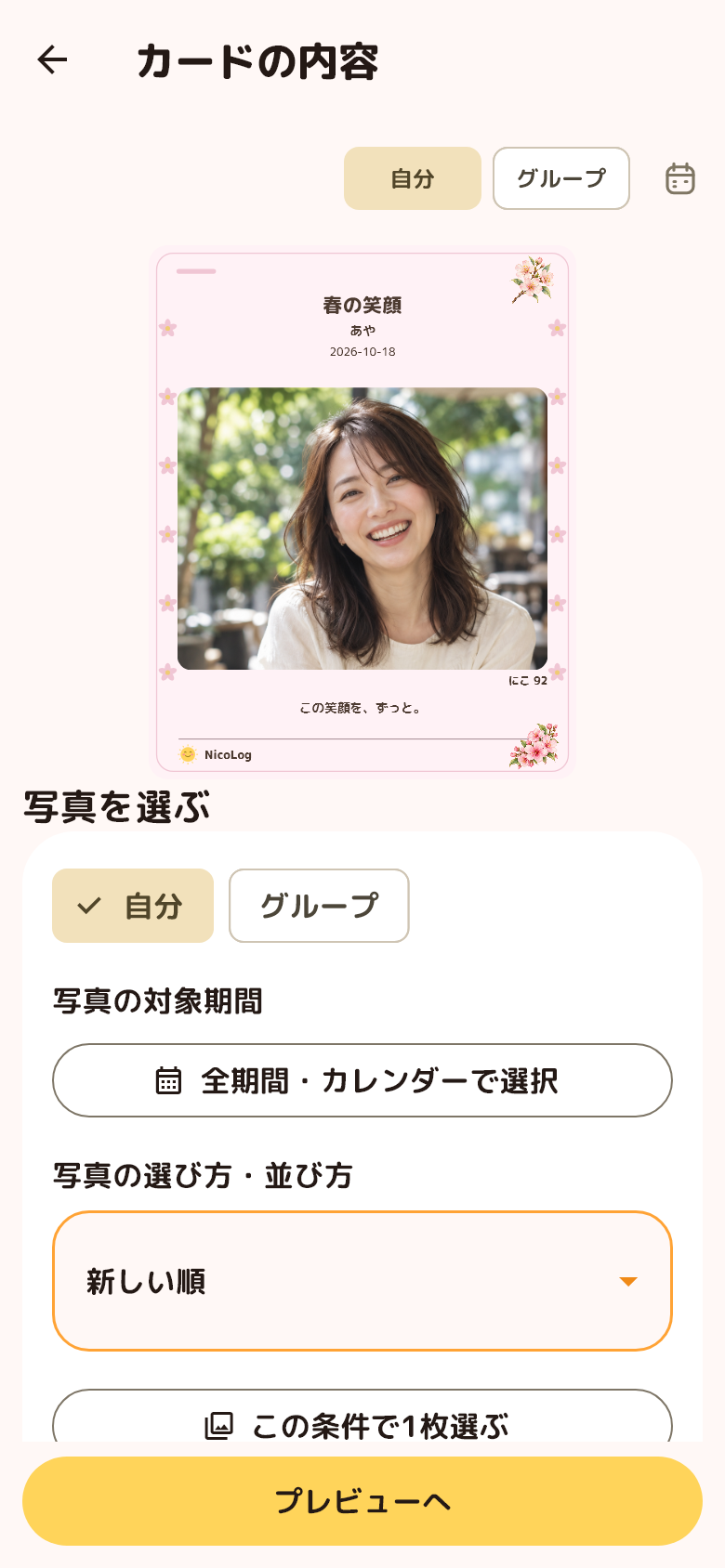
Choose a design and edit photos, a name and a message to make a card with the details you want.
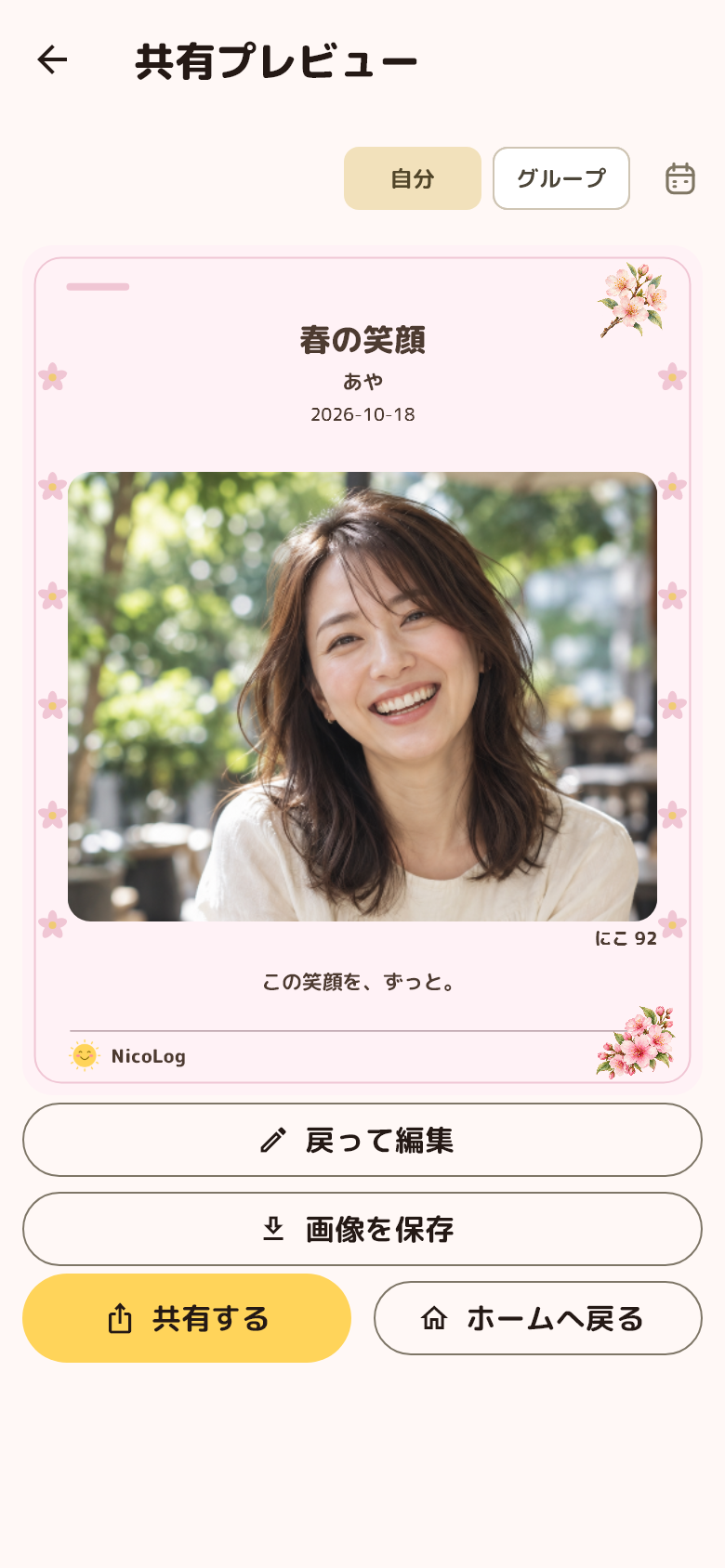
Check the preview, then save or share the image. Choose a destination using your device’s share sheet.
Screens, photos and smile scores are illustrative samples.
The camera preview is a still image for illustration.
Smile scores are a guide to recording expressions, not a medical diagnosis.
ONE APP, YOUR KIND OF MEMORIES
Start from Home to record or look back. Switch between Self and Group to organize the smiles you want to keep.
Keep your photos, smile scores, moods and notes together. Look back at small everyday changes from Home or the calendar.
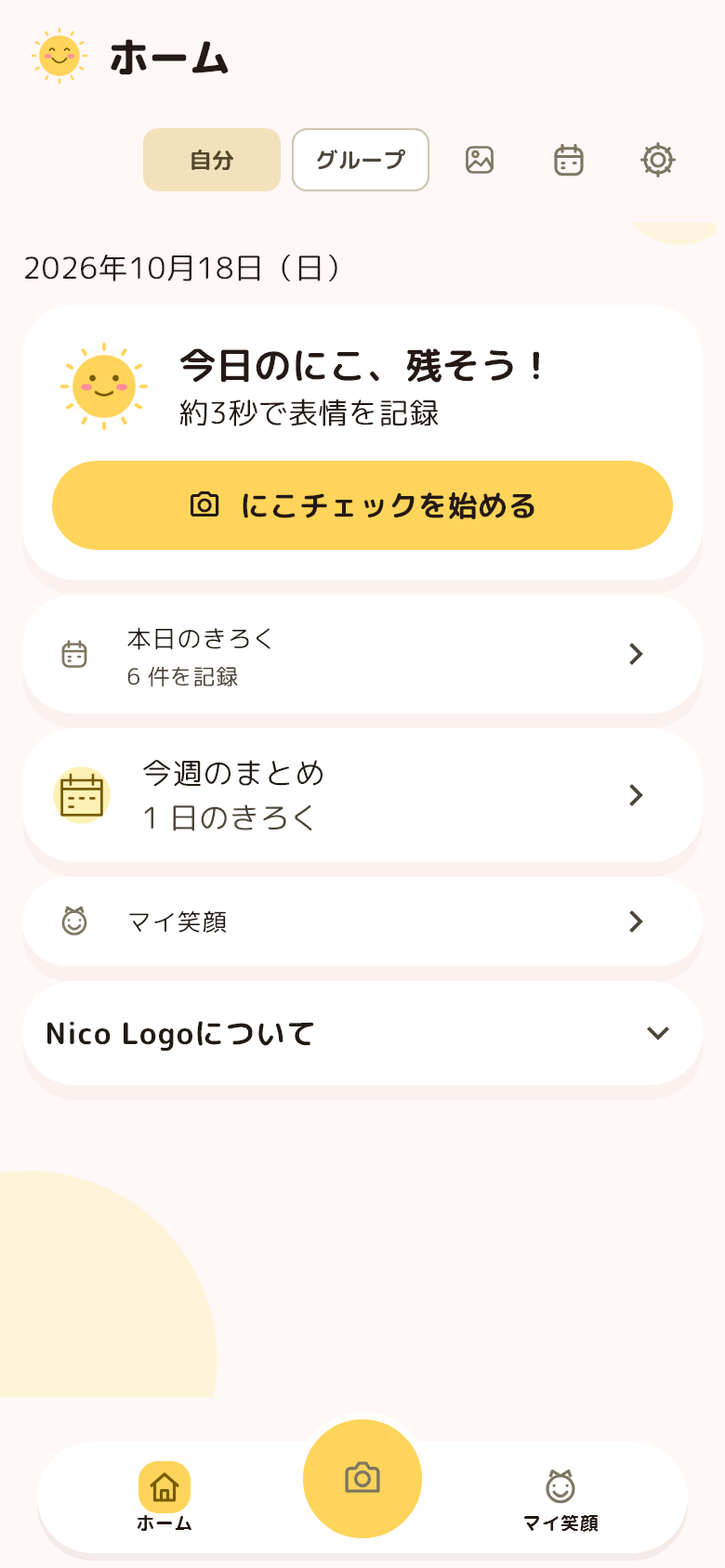
Choose a group and person, such as family or friends, to organize photos and smiles. Look back at each person’s records and make a sharing card.
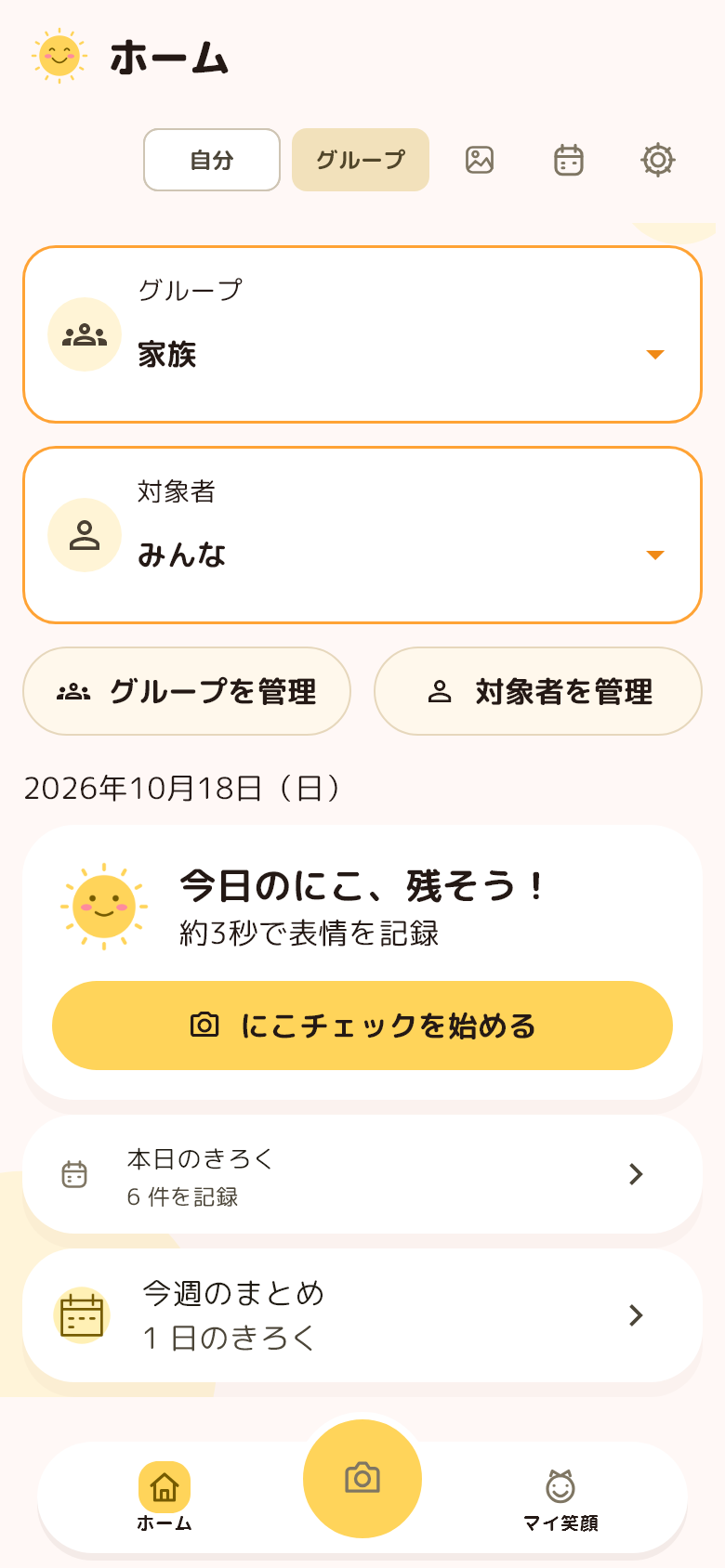
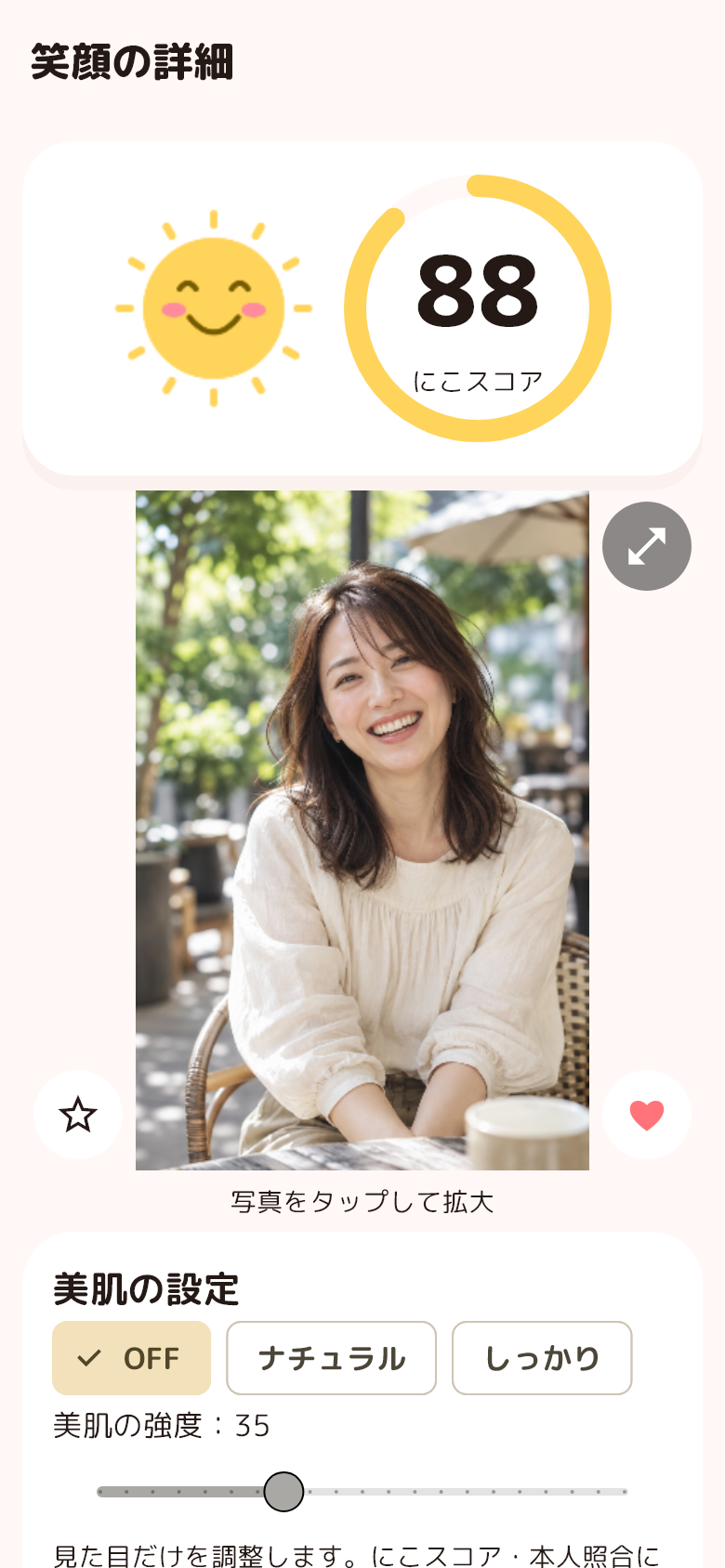
Groups organize records on the same device. Automatic cross-device sync and collaborative editing are not supported.
Screens, photos and smile scores are illustrative samples.
 ♥
♥MADE FOR YOUR MEMORIES
Your favorite photo. Your family’s happy moments. Give them a home in a card that feels like you.
Meet NicoLog →YOUR MEMORIES, YOUR CHOICE
The app manages photos and records on your device. You choose what to share.
How we handle your information →See our policy for details, including face-analysis SDK statistics.
TAKE A LITTLE SMILE WITH YOU
Choose the version for your smartphone.
PRIVACY, WITH CARE
A clear home for information about your memories. Learn how information is used, stored, shared, and deleted.
This is a draft policy. Operator and provider details will be finalized before publication.
TERMS, MADE CLEAR
A clear guide to using NicoLog. Learn about its features, your photos and responsible use.
Draft updated: October 18, 2026
These are draft terms. The effective date will be announced once operator details and service conditions are finalized.
A LITTLE GUIDE TO NICOLOG
Using the app, smile scores, saving and sharing. A little help, one question at a time.
Keep photos, smile scores, moods and notes, then look back from Home or the calendar. Organize records by person or group and create cards in 18 designs.
Self mode helps you look back at your own smiles and daily records. Group mode organizes photos and records for selected groups and people, such as family or friends. Both work on the same device.
Automatic cross-device sync and collaborative editing are not currently supported. You can save a sharing card as an image and send it through the OS share sheet.
It is a guide to looking back at an expression in a photo, not a judgment of actual feelings or health. Lighting, face direction and other conditions affect it.
Individual scores and the average of measured people in a group photo are labeled separately. Unmeasured people are not counted as zero.
Photo analysis and identity suggestions run on the device. Photos, facial features and daily records are not automatically uploaded to an operator server. Google ML Kit does send performance and usage metrics. See the Privacy Policy for details.
No. You choose when to save or share an image. Your OS or photo service’s sync settings may send saved images to other storage destinations.
Features that require a permission, such as capture, selecting or saving photos, or reminders, may be limited. You can change permissions in OS settings.
Choose photos, names, dates, a message, scores and other supported details. Turn off unwanted items and check the preview before saving or sharing.
Export necessary data using the app’s backup feature and store it safely. Keep your original data until you have checked restoration on the new device. There is no automatic restoration from an operator cloud.
Delete photos and people, reset identity matching in Settings, or delete all app data from the privacy screen. Delete exported images, backups and original photos separately at their destinations.
Save the reference number and secret key shown after submission and enter them on the Check a reply page. We do not collect email addresses or send notifications. Check before the displayed expiry.
Secret keys cannot be recovered. Download and store your access details safely. A reference number alone cannot open a reply.
Use the contact page and include the app version, OS, steps and what happened. Do not send face photos, backups or passwords through the form.
A LITTLE HELP, A LITTLE SMILE
A question, an idea, or something that isn’t working? We’re here to help you with NicoLog.
Save your reference number and secret key. Use “Check a reply” to view our response. We do not send email.
Secret key
Save both values somewhere safe. The secret key cannot be recovered. No reply notifications are sent; please check this page.
SUPPORT
Enter your reference number and secret key to view the status and reply.
Your secret key is never placed in the URL. On a shared device, close the reply when you finish. Replies also close after five minutes without activity.